Download app
Download app

Free background remover — remove any background instantly

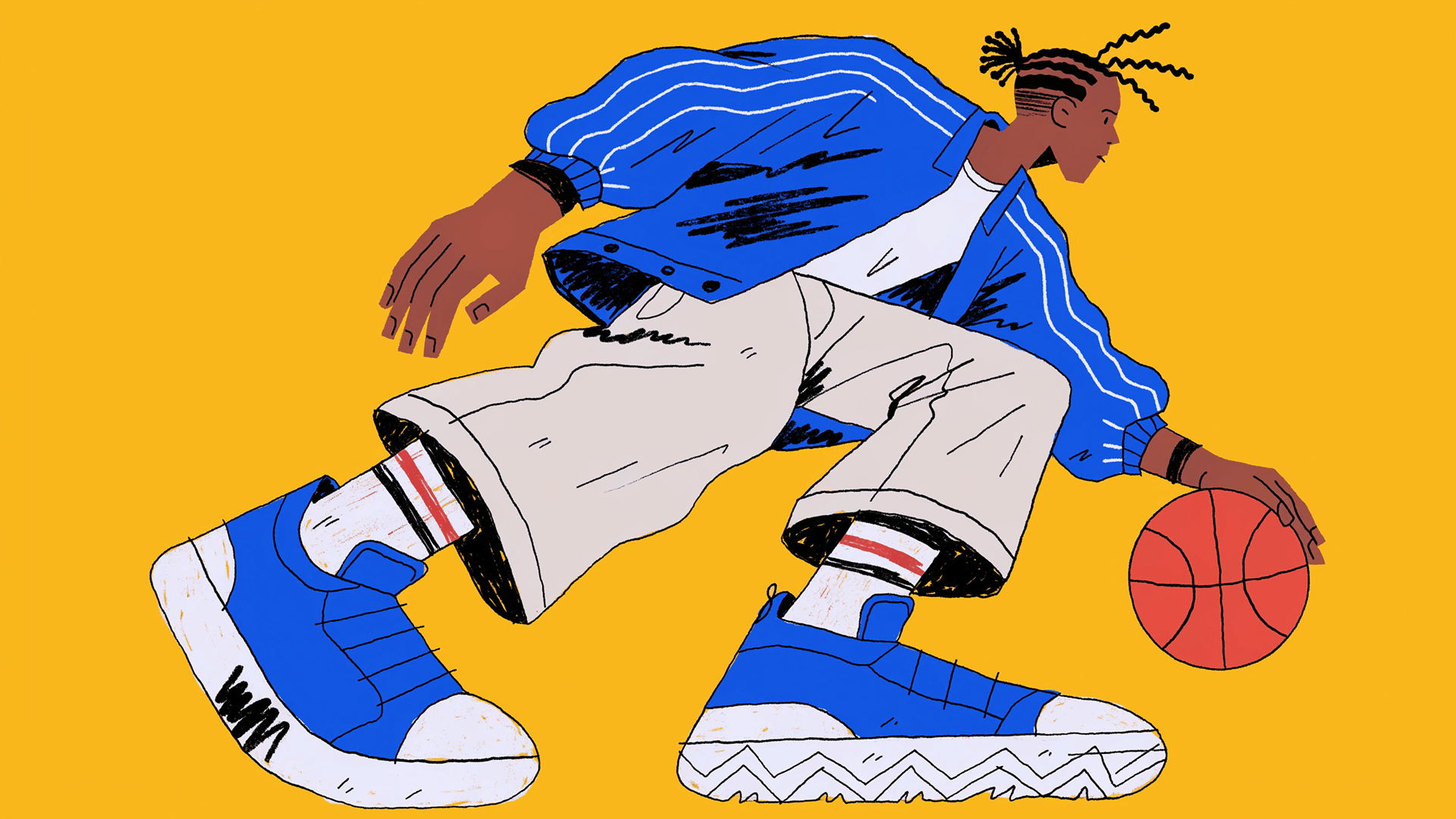
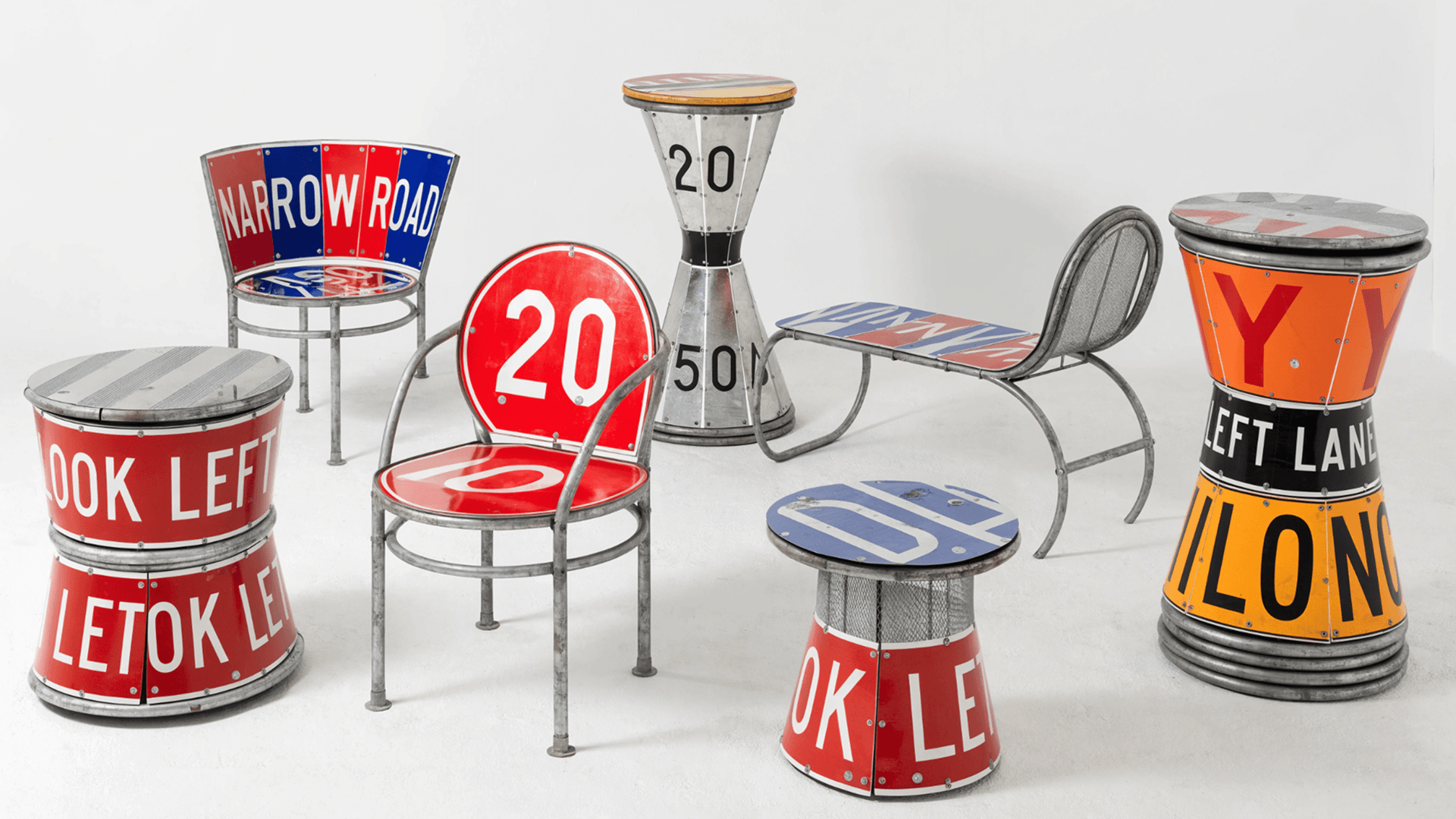
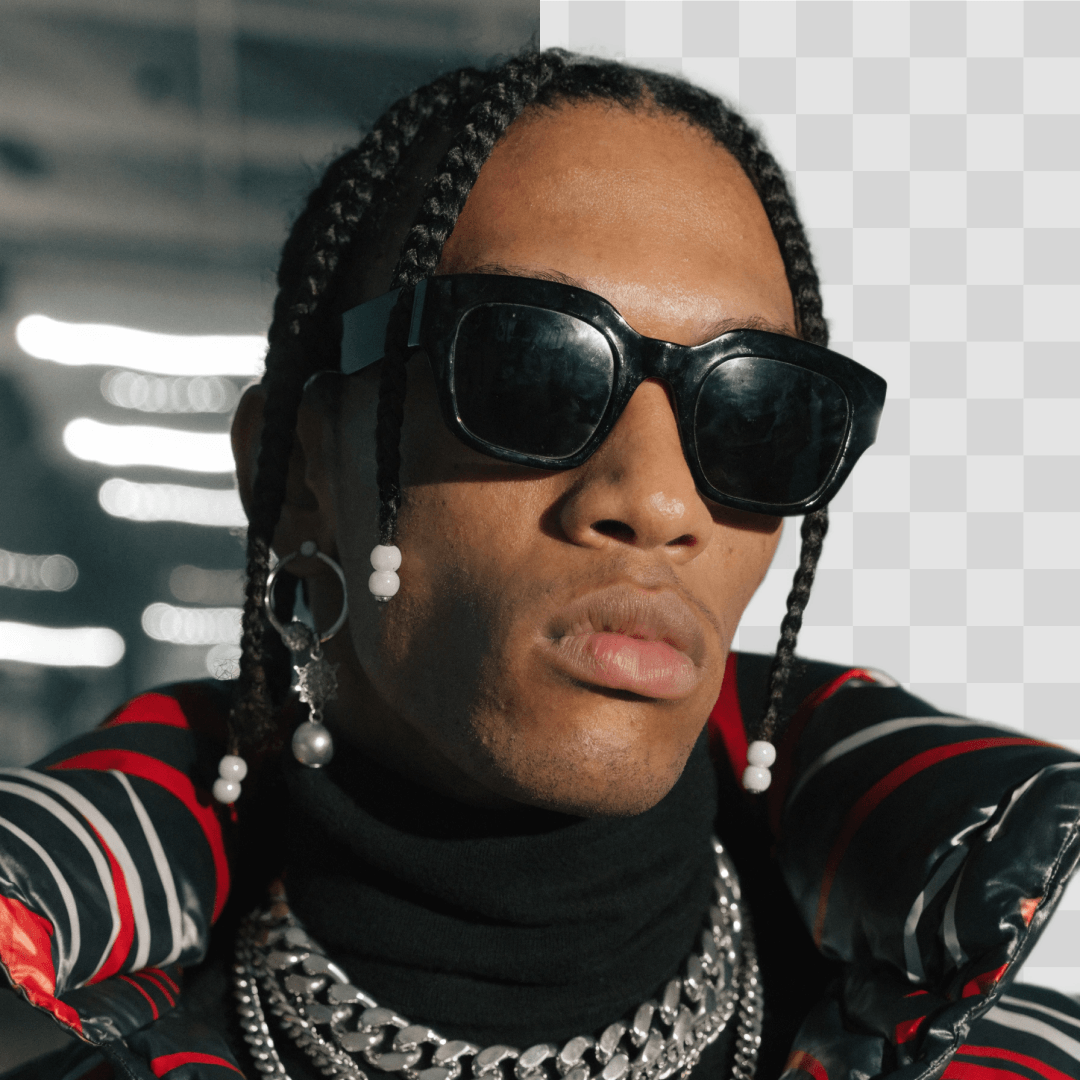
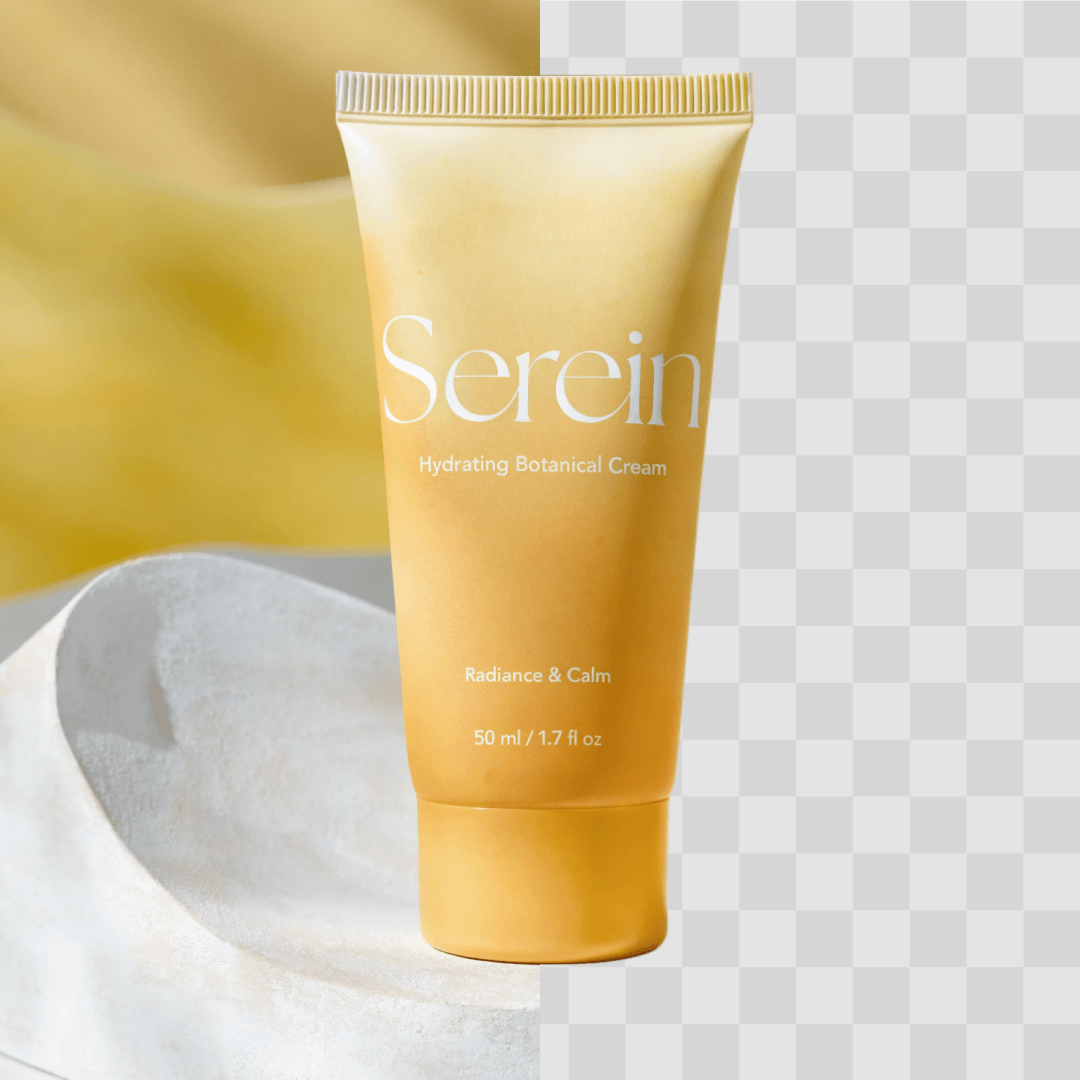
Recraft's free online background remover strips any background from any image in seconds. Get a precise transparent background, export a clean PNG ready to use anywhere or swap in different color or scene.
Drag and drop an image
or browse to upload
Upload your image
File must be JPEG, JPG, PNG
or WebP and up to 5MB

Finish it
in Recraft Studio

We’ve removed background of your image. Open it now to see what came out and download the result.

Continue in Recraft Studio

How background removal works

1
Upload your image
Drag and drop a JPEG, PNG, or WebP file or generate a new image from a text description right inside Recraft Studio.
2
Remove the background in one click
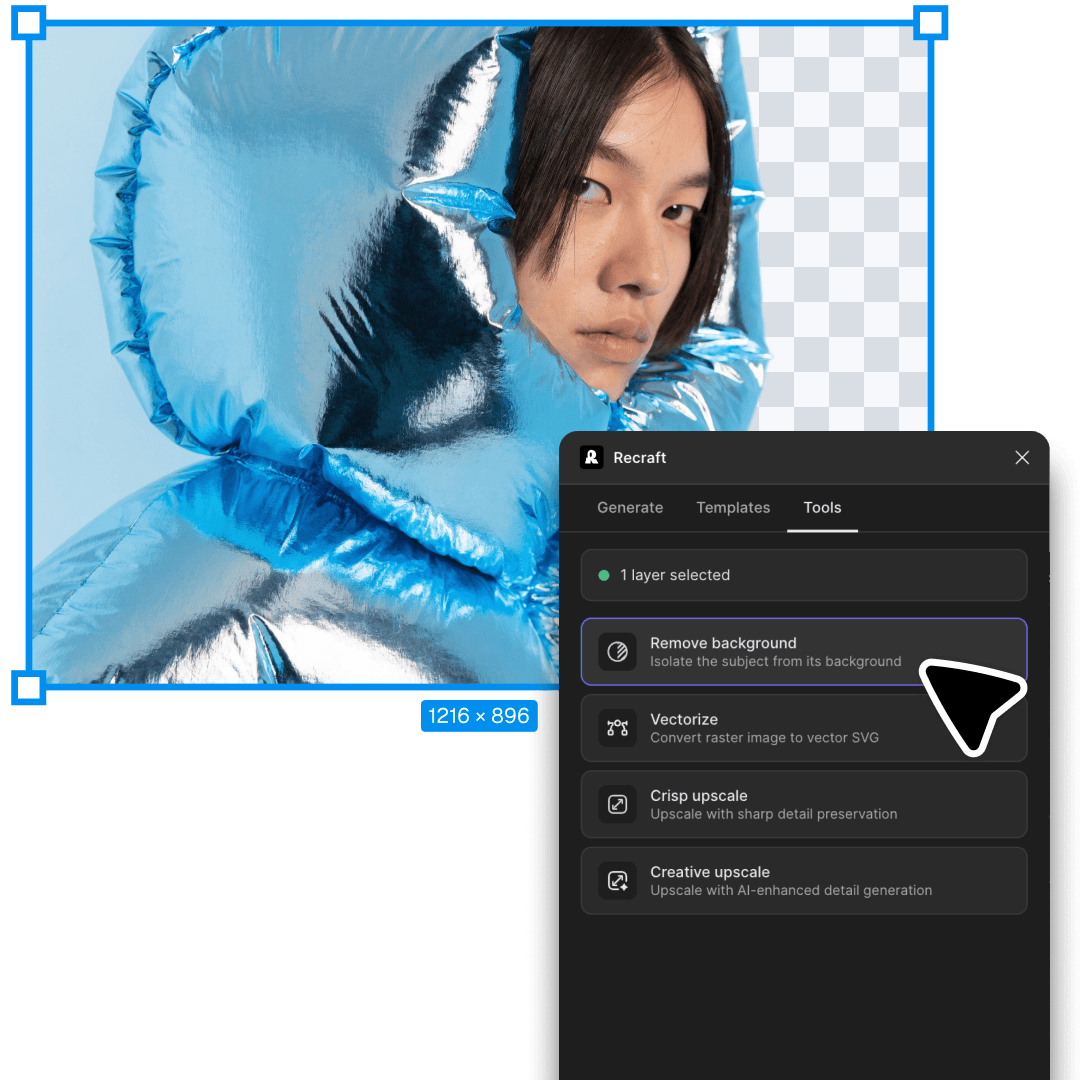
Select the image and click Remove background in the context panel. The background will be deleted, leaving only the subject.
3
Export or change background
Export your cutout as a transparent PNG, or keep going - add a white background, a solid color, a gradient, or a fully AI-generated backdrop.

What to do after removing the background

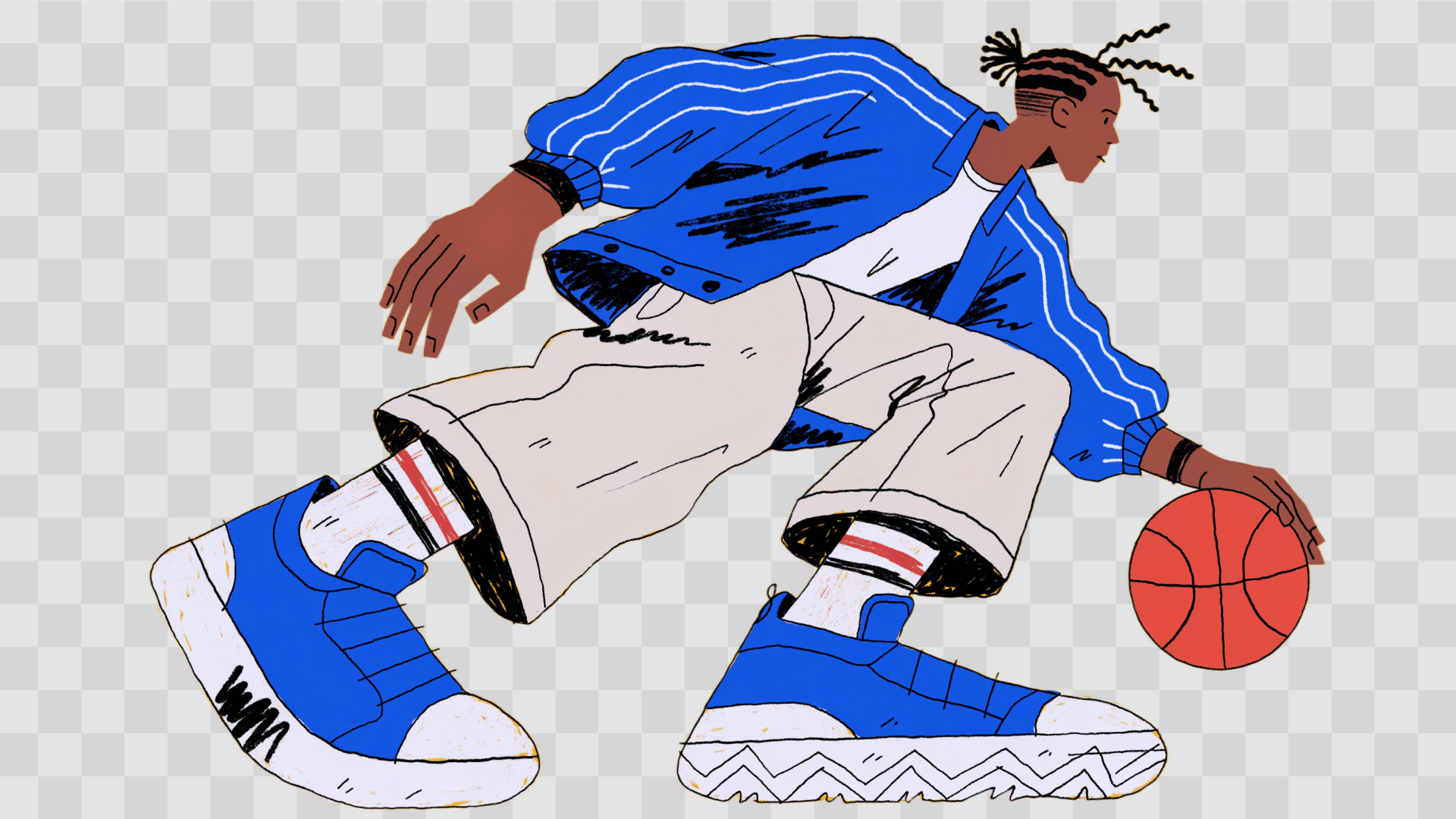
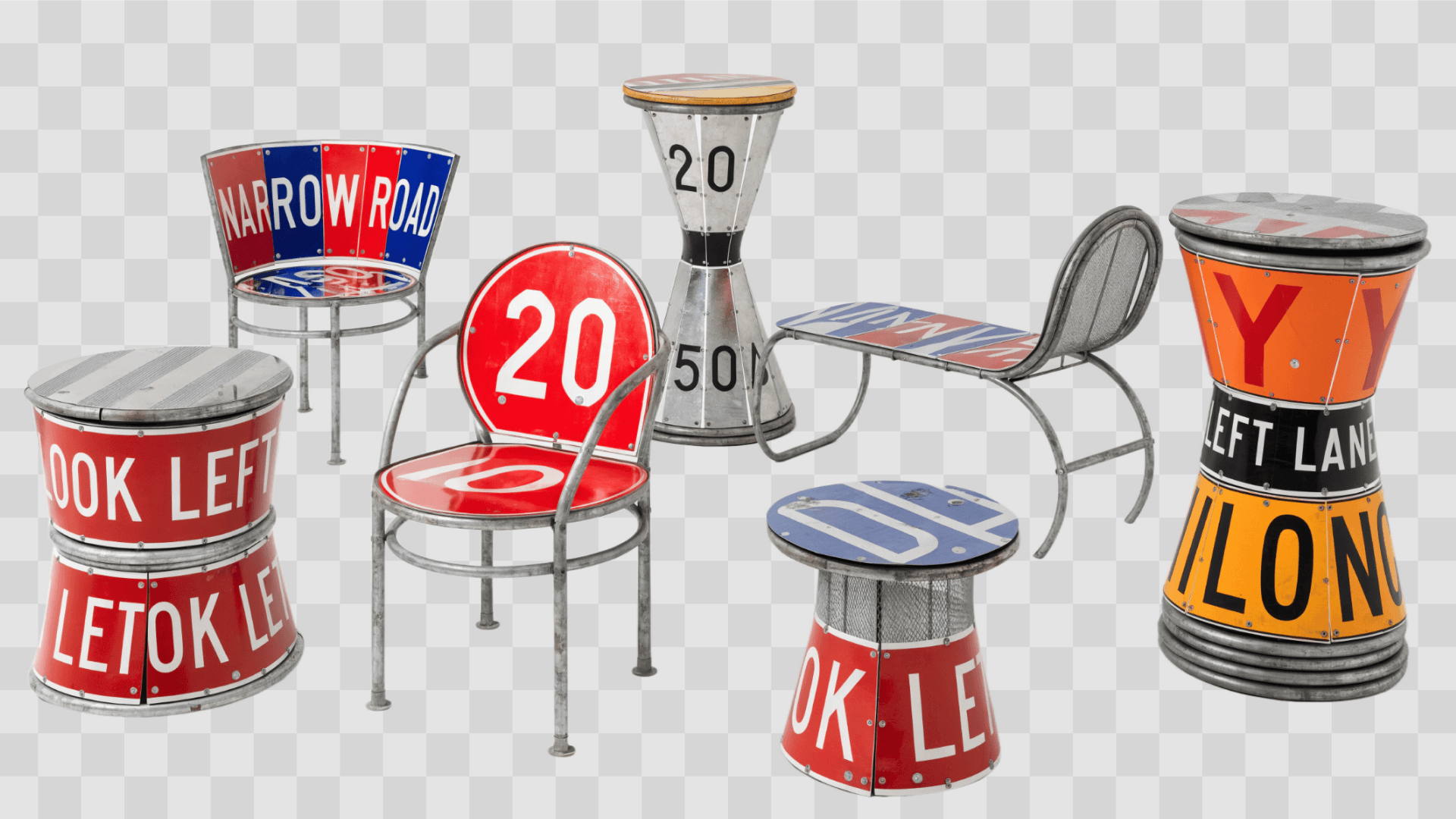
Export the image with transparent background

It lets you layer your cutout over any design, webpage, or video without a box around it. Use it in presentations, email graphics or websites - the transparent layer blends cleanly with whatever is behind it.

Recolor the background

Place the subject onto a plain white, or any solid color background. Pick any color to match your brand palette or campaign theme.

Put the photo on a different scenes

Swap the removed background for a photo or custom illustration - a studio backdrop, a lifestyle setting, or an AI-generated scene.

Where background removal is useful

E-commerce

Online sellers rely on background removal to meet platform listing requirements and maintain a consistent product catalog. Clean images on white or neutral backgrounds improve conversion rates and look professional.

Marketing, creatives & social media

Designers and marketers use background removal to build campaign visuals, social posts, ads, and branded content. Isolating a subject makes compositing faster and lets the same cutout work across multiple formats - stories, banners, thumbnails, and print.

Memes, avatars & stickers

Background removal is also popular for personal and casual use. Cut yourself, a friend, or a pet out of a photo to create a custom profile picture, sticker, or meme.

Background-free images are easy to use in mockups

Once the background is gone, you can drop the image straight into a product mockup - a T-shirt, packaging, poster, phone case, or tote bag - and see exactly how it looks before you print or publish. Learn more about Recraft's mockup generator.

Explore more

All tools that you need for a perfect design, in one place

AI image generator

Generate high-quality images with the new Recraft V4 model.

Mockup generator

Visualize products, packaging, and marketing materials instantly.

AI vector generator

Create editable SVGs directly from text descriptions.

AI image editor

Edit, enhance, and transform any image using simple text prompts or intuitive controls.

Image vectorizer

Convert any image into clean, scalable vector artwork in seconds.

Image format converter

Convert between any raster and vector formats such as SVG, PNG, JPG, TIFF, PDF, and more.

Recoloring

Change palettes or adjust tones while keeping lighting and form consistent.

AI image combiner

Merge multiple images into one coherent composition.

Background remover FAQ

Is Recraft’s background remover really free?

Yes, Recraft Studio has a free version with most of the functionality that designers need as well as a paid plans. We recommend you start for free and see if you need the additional functionality of the paid subscription.

How do I remove a background from an image?

Upload your image to Recraft Studio, click the remove bg button in the toolbar, and the AI instantly strips the background, leaving a precise, clean cutout. From there, download it as a transparent PNG or keep editing: add a new color, a gradient, or generate a completely new scene with AI.

What file types does the background remover support?

Recraft’s online background remover accepts JPEG, JPG, PNG, and WebP files. For the sharpest results, use a photo with a clearly defined subject.

Is background removal available via API?

Yes. Recraft provides an API. Send an image and receive a clean transparent PNG in response. It's ideal for automating product photo workflows, or integrating background removal into your own app.