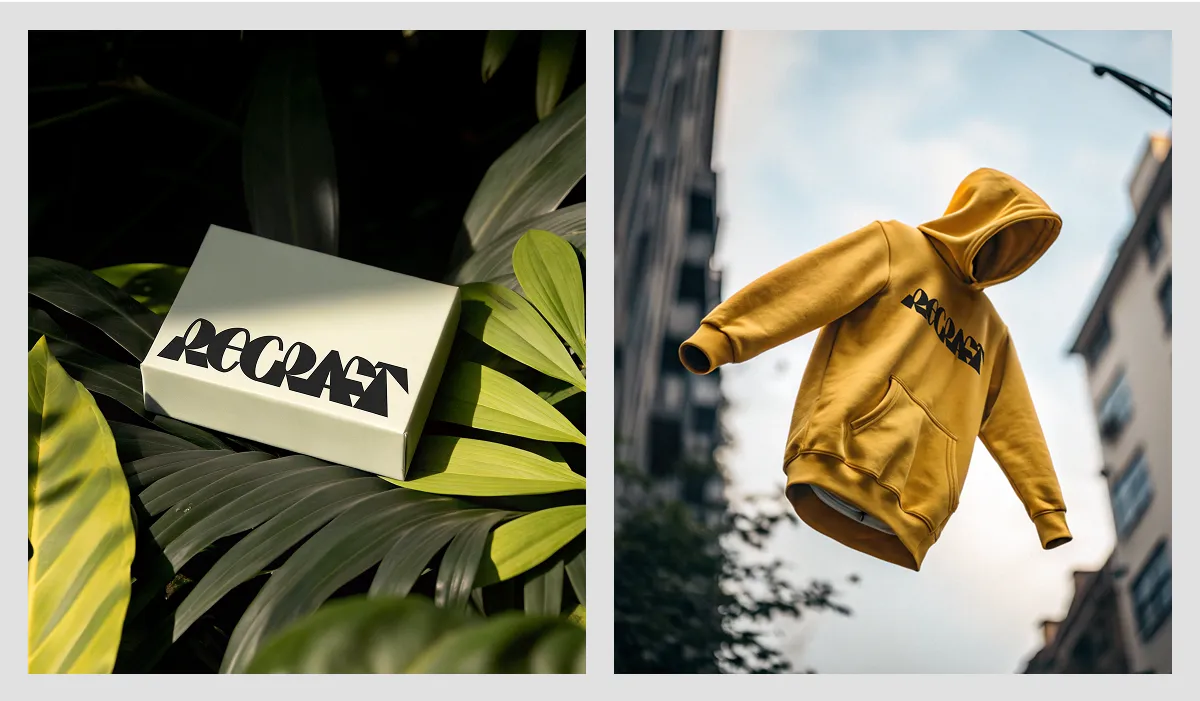
A placement-first workflow for hoodie design, with print sizes and the file each print method needs.
Short answerTo design a hoodie, pick the print placement first (left chest, full front, back, or sleeve), size the artwork to that zone, and export it at full print size: a transparent PNG at 300 DPI for DTG or DTF printing, ideally a vector file for screen printing and embroidery. Check the design on a mockup before you send it to a printer.
Key takeaways
Placement comes before the artwork, because a 3.5-inch left chest mark and a 12-inch back print need different levels of detail.
Most print shops work with a full front zone of about 10–12 inches wide, kept above the kangaroo pocket.
A full front print at 300 DPI is roughly 3,600 × 4,200 pixels, so generate or upscale to that size before export.
Screen printing and embroidery work best from a vector file with a limited color count; DTG and DTF print a transparent PNG with gradients.
A mockup shows problems a flat file hides: artwork that sinks into the pocket, text too small to read from across a room, colors that vanish on dark fabric.
Start with placement, not the artwork
A hoodie is not a flat canvas. The pocket, the hood, the zip, and the seams decide where artwork can go and how big it can be, so choose the placement before you open a design tool.
The four placements most shops offer:
Placement
Typical size
Works for
Left chest
3–4 inches wide
Logos, small marks, team or brand merch
Full front
10–12 inches wide, above the pocket
Statement graphics, illustrations, type
Back
12–14 inches wide
Large illustrations, event and band merch
Sleeve
2–3 inches wide, up to about 12 inches long
Vertical type, small repeat marks
Typical print areas on an adult hoodie. Your printer's template has the exact sizes.
These are common ranges, not standards. Every printer publishes its own print areas for each garment and size, and a zip-up hoodie has no full front at all, so download your printer's template before you settle on a size.
Two placement rules save most first designs. Start a full front print about 3–5 inches below the collar seam, so it sits on the chest rather than the neck. And keep it above the kangaroo pocket.
Find a hoodie design idea that suits the garment
Hoodie design ideas that work on a T-shirt do not always work on fleece. The fabric is thicker, the surface is softer, and people see a hoodie from farther away, often half covered by a jacket.
What holds up well:
Bold silhouettes and strong shapes. They read from across a room and survive the fabric texture.
Large type on the back, small type on the front. A back print gets read; a chest print gets glanced at.
Two- to four-color palettes. They print cleanly by any method and keep screen printing costs down.
Line art with confident strokes. Hairlines and tiny text fill in on fleece. As a rule of thumb, keep lines thicker than about 1 point and text larger than about 10 points at print size.
What tends to fail: photographic backgrounds with hard rectangular edges, low-contrast colors on heather fabric, and long sentences on the chest.
If you generate the artwork with AI, write the print constraints into the prompt: "flat vector illustration, three colors, transparent background, no small text." Recraft V4.1 can generate flat vector artwork like this directly, and generating a few variations side by side is the fastest way to compare directions before you commit to one.
Size and export the file for the print method
The print method decides the file. Ask your printer which method they use for your order, then export to match.
Print method
File the printer wants
Color
Good for
DTG (direct to garment)
PNG with a transparent background, 300 DPI at print size
Full color, gradients
Small runs, detailed illustrations
DTF (direct to film)
PNG with a transparent background, 300 DPI at print size
Full color, gradients
Small runs, dark fabrics, durable prints
Screen printing
Vector (SVG, PDF, AI, or EPS) preferred; many shops also take a 300 DPI PNG
Spot colors, usually up to 4–6
Larger runs, bold flat designs
Embroidery
Vector or high-resolution PNG with simple shapes; the shop digitizes it into a stitch file
A few thread colors, no gradients
Left chest logos, premium merch
For a full front print 12 inches wide and 14 inches tall, 300 DPI means about 3,600 × 4,200 pixels. Most AI image generators produce smaller images than that, so plan an upscale step before export rather than stretching the file in a layout tool. An image upscaler adds the pixels without blurring the edges; Recraft's goes up to 4K, about 4,000 pixels on the long edge.
For screen printing and embroidery, start in vector if you can: Recraft V4.1 generates SVG directly, so the artwork never needs converting. If you already have raster artwork, Recraft's AI image vectorizer turns a flat illustration into editable paths. It works best on clean shapes with clear edges and less well on textured or photographic art, which needs cleanup. The guide to vectorizing a file covers the details.
Two color checks before export:
Dark garments. DTG on a dark hoodie prints a white underbase beneath the colors. Preview the design on the actual fabric color.
Heather and colored fleece. Mid-tone fabrics swallow mid-tone ink. Push the contrast further than looks right on screen.
Check the design on a mockup
A flat file on a white background tells you very little about how a hoodie will look worn. A mockup does. It shows the design in proportion on the garment, which is where most sizing mistakes become obvious.
In Recraft, the hoodie mockup generator places your artwork on hoodies and sweatshirts, including crew necks, zip-ups, quarter-zips, and athletic styles. You can upload a finished design or generate one, add several layers, and export a JPG or PNG to send to a client or use on a product page.
Look for three things:
Scale. Does the full front read as a statement, or does it look like a sticker? Most first drafts are too small.
Position. Is the print clear of the pocket and the zip, and not crowding the neckline?
Contrast. Can you read the main shape from the mockup's thumbnail? If not, nobody will read it from across the street.
One illustration, two placements: a left chest mark and a full front print above the pocket. The artwork was made in Recraft from a prompt like the one in the next section.
Design your own hoodie in Recraft, start to finish
One way to go from idea to print file in Recraft Studio:
Generate the artwork. Describe the design with its print limits, for example "bold vector illustration of a mountain at sunrise, three colors, transparent background, no text." Choose a vector style for screen printing or embroidery, or a raster style for DTG and DTF.
Clear the background. If the artwork came out on a background, the background remover leaves a transparent PNG.
Bring it to print size. Upscale raster artwork toward 300 DPI at the placement size, about 3,600 × 4,200 pixels for a 12 × 14 inch full front. Recraft's upscaler goes up to 4K, about 4,000 pixels on the long edge, which covers about 13 inches at 300 DPI.
Convert if the printer needs vector. Run raster artwork through the vectorizer and check the edges.
Check it on the hoodie. Place it on the hoodie mockup at roughly the size of your placement, adjust, and export the mockup for approval.
A quick checklist before you send the file
Placement chosen and sized to the printer's template
Artwork at 300 DPI at full print size, or a vector file for screen printing and embroidery
Transparent background, no stray pixels around the edges
Colors checked on the actual fabric color
Lines and text large enough for fleece
Design checked on a mockup at roughly real size
Get those six right and the hoodie that arrives looks like the one you designed. For the artwork itself, the AI T-shirt graphics guide covers making and refining apparel graphics with AI, and the same approach carries over to hoodies.
FAQs
What free hoodie maker tools are available for designing custom hoodies online?
Several online tools let you design a hoodie for free, including Recraft's hoodie mockup generator, which covers hoodies and sweatshirts, from crew necks and zip-ups to quarter-zips and athletic styles, and lets you generate or upload artwork. Free plans come with limits: on Recraft's free plan, images are public and not licensed for commercial use, so you need a paid plan before you sell the design.
Can I design my own hoodie for free?
Yes. You can generate or draw the artwork and preview it on a mockup for free, then pay the printer for each hoodie. If you plan to sell the hoodies, you need a paid Recraft plan, because free-plan images are not licensed for commercial use. Use your printer's template so the design is already the right size.
What size should a hoodie design be?
A full front print is usually 10–12 inches wide and sits above the pocket, a left chest logo is 3–4 inches wide, and a back print can be 12–14 inches wide. Export at 300 DPI at that size, for example about 3,600 × 4,200 pixels for a 12 × 14 inch print.
What file format do I need to print a hoodie?
DTG and DTF printers want a transparent PNG at 300 DPI at print size. Screen printers prefer a vector file such as SVG, PDF, AI, or EPS, though many also take a 300 DPI PNG. For embroidery, the shop digitizes your artwork into a stitch file, so send a clean vector or high-resolution PNG with few colors and no gradients.
Should I design a hoodie in vector or raster?
Vector, if the hoodie will be screen printed or embroidered, or if you want one file that scales to every size. Raster works for DTG and DTF and keeps gradients and photographic detail, as long as it is 300 DPI at print size.